Buying a new computer should be exciting. But once you get it home, there’s still plenty to do before it’s ready for everyday use. Your old computer probably has years of files, pictures, bookmarks, saved settings, and programs that you’ve become accustomed to using. Ricmer Tech Support can help make the transition to your newContinue reading “Blair Service Spotlight: Getting a New Computer? We Can Help!”
Category Archives: TECH
Blair Safety Alert: Never Share Your Verification Code!
Your phone buzzes with a text message containing a six-digit verification code. A few moments later, someone calls or messages you, asking for that code. They might claim to be from your bank, Microsoft, Google, or another company you recognize. Don’t give it to them! Why Are They Asking for the Code? Verification codes areContinue reading “Blair Safety Alert: Never Share Your Verification Code!”
Blair Tech Tip: Android Users — Make Sure Your Contacts Are Saved to Google!
Getting a new phone should be exciting, not stressful. But one of the most common problems people encounter when switching phones is discovering that some or all of their contacts are missing. Here’s something many Android users don’t realize: Just because a contact is saved on your phone doesn’t necessarily mean it’s backed up toContinue reading “Blair Tech Tip: Android Users — Make Sure Your Contacts Are Saved to Google!”
Blair Safety Alert: That CAPTCHA Could Be a Scam!

We’ve all seen those familiar little boxes on websites asking us to check “I’m not a robot” or complete a quick challenge to prove we’re human. Most of the time, these are legitimate security checks. But scammers have found a way to use that familiar process to trick people into infecting their own computers. It’sContinue reading “Blair Safety Alert: That CAPTCHA Could Be a Scam!”
Blair Service Spotlight: Bring Your Old VHS Memories Back to Life

Somewhere in a closet, attic, or basement, you might have a box of old VHS tapes filled with memories you haven’t watched in years. Family vacations, birthday parties, weddings, Christmas mornings, school performances, or videos of loved ones who are no longer with us. The problem? Many of us no longer have a working VCR,Continue reading “Blair Service Spotlight: Bring Your Old VHS Memories Back to Life”
Blair Safety Alert: Your Computer Is Infected! Or Is It?
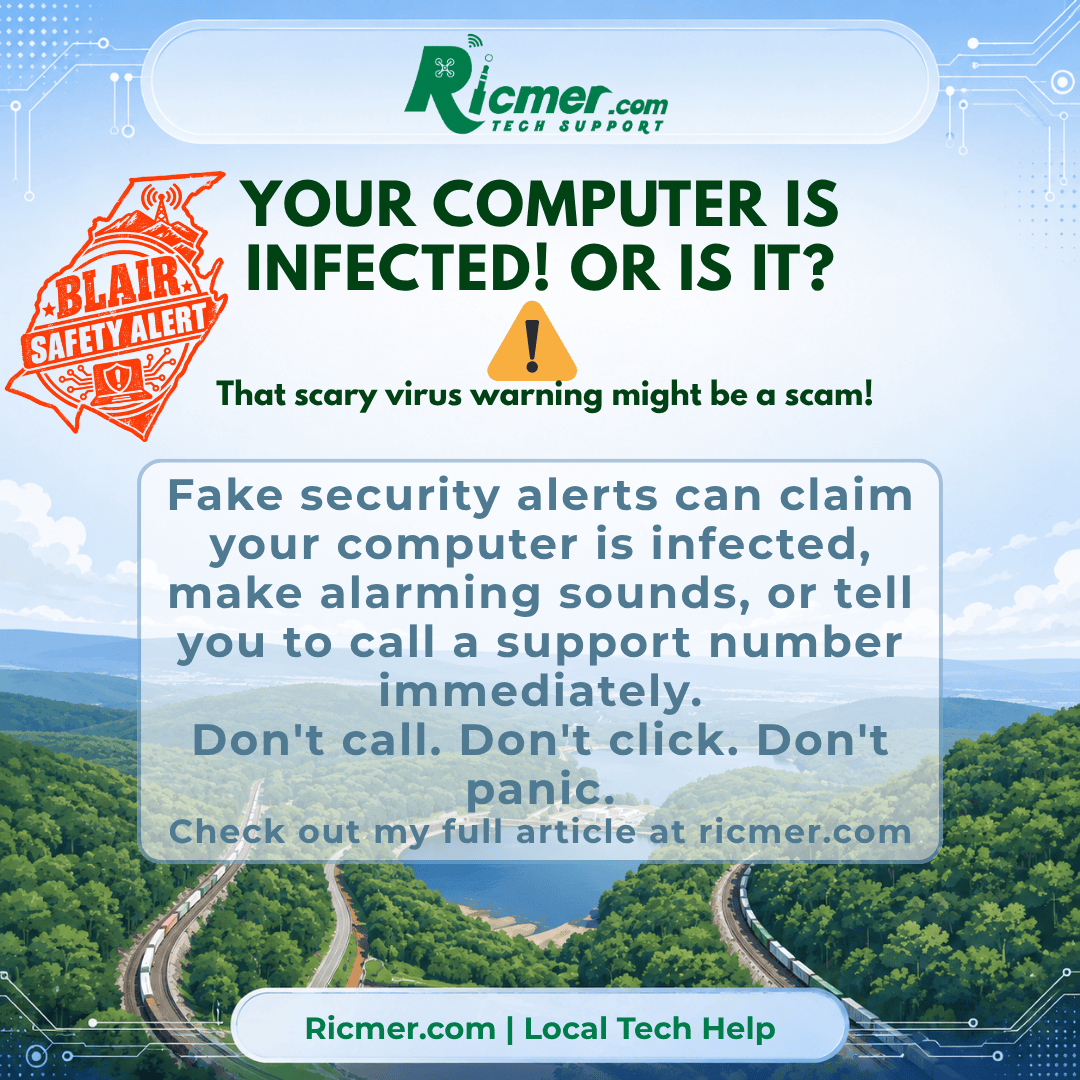
You’re browsing the internet when suddenly a warning appears on your screen. “VIRUS DETECTED!” “YOUR COMPUTER IS LOCKED!” “CALL MICROSOFT SUPPORT IMMEDIATELY!” The screen might flash, an alarm may sound, or a voice might start telling you that your personal information is in danger. It can be frightening, especially when the warning looks like itContinue reading “Blair Safety Alert: Your Computer Is Infected! Or Is It?”
Blair Tech Tip: Stop Taking Pictures of Your Computer Screen!
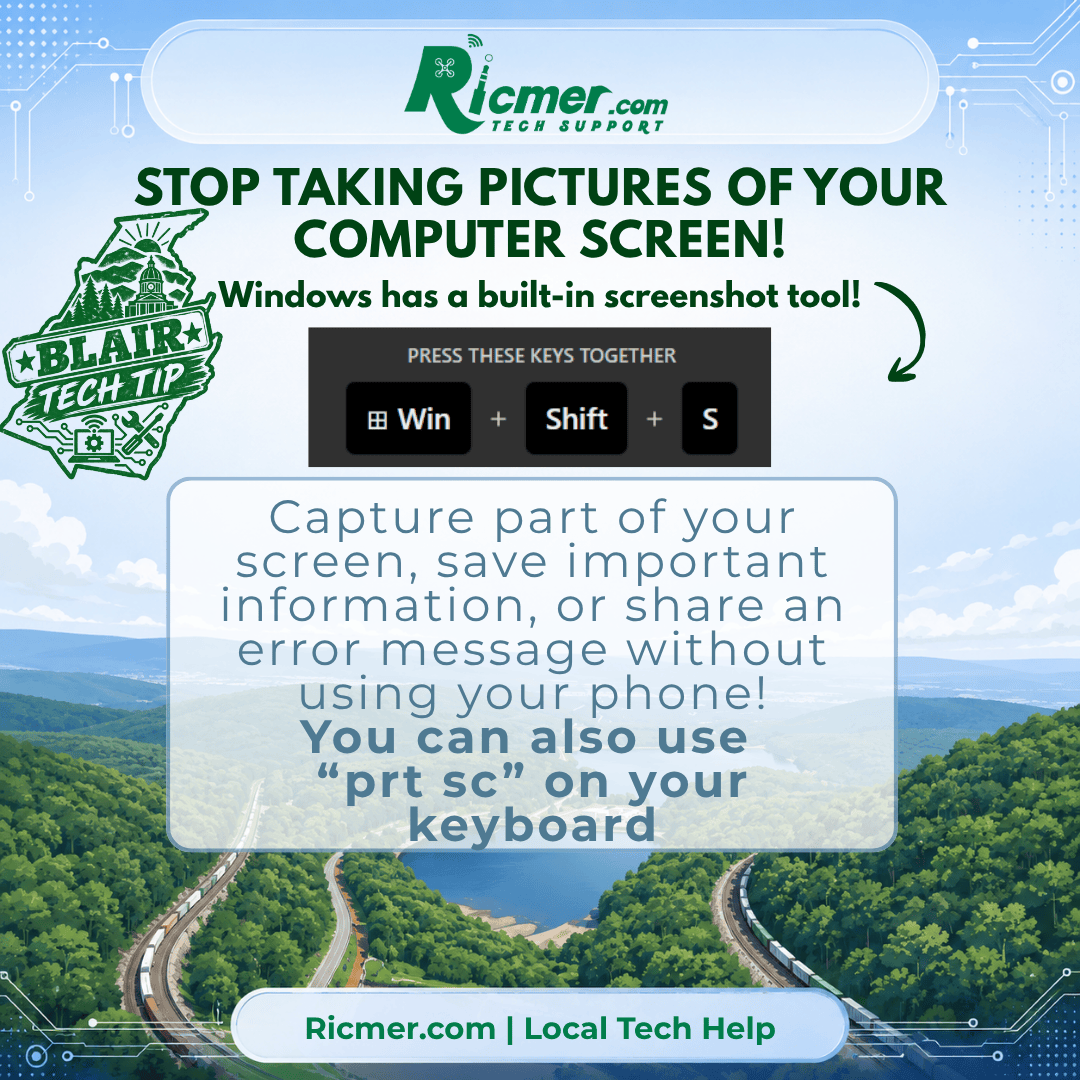
Have you ever had an error message pop up on your computer and grabbed your phone to take a picture of it? There’s an easier way! Windows 10 and Windows 11 include a built-in screenshot tool that lets you capture exactly what’s on your screen. And you don’t need to install anything! How to TakeContinue reading “Blair Tech Tip: Stop Taking Pictures of Your Computer Screen!”
Blair Service Spotlight: Better Wi-Fi Throughout Your Home

Your internet service may be fast, but that doesn’t necessarily mean you’re getting a good Wi-Fi connection everywhere in your home. Weak signals, dead spots, buffering TVs, slow computers, and devices that constantly disconnect can all be signs that your home network needs some attention. Sometimes the problem is as simple as where the routerContinue reading “Blair Service Spotlight: Better Wi-Fi Throughout Your Home”
Blair Safety Alert: Turn On Two-Factor Authentication Whenever You Can
A strong password is important, but passwords can still be stolen through phishing scams, data breaches, malware, or simply being reused on too many websites. That’s where two-factor authentication (2FA) can make a huge difference. With 2FA enabled, your password alone isn’t enough to access your account. When someone tries to sign in, the accountContinue reading “Blair Safety Alert: Turn On Two-Factor Authentication Whenever You Can”
Blair Tech Tip: Give Your Windows PC a Checkup with Microsoft PC Manager
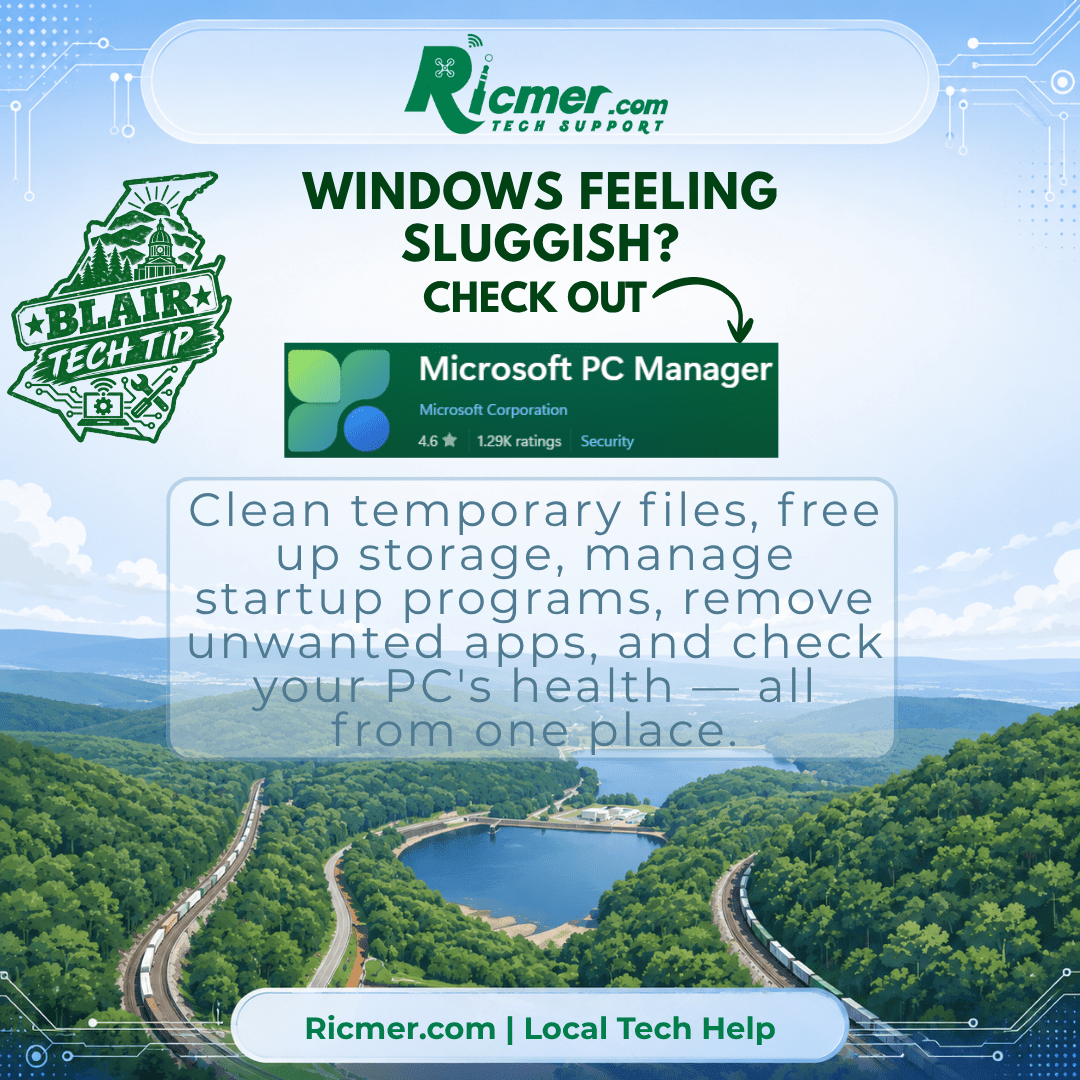
Windows has plenty of useful maintenance tools, but they’re scattered throughout Settings, Task Manager, Windows Security, and other parts of the operating system. Microsoft PC Manager puts many of those everyday tools into one easier-to-use place. If your computer has been feeling sluggish or you’re simply wondering what’s taking up all your storage space, PCContinue reading “Blair Tech Tip: Give Your Windows PC a Checkup with Microsoft PC Manager”

