Buying a new computer should be exciting. But once you get it home, there’s still plenty to do before it’s ready for everyday use. Your old computer probably has years of files, pictures, bookmarks, saved settings, and programs that you’ve become accustomed to using. Ricmer Tech Support can help make the transition to your newContinue reading “Blair Service Spotlight: Getting a New Computer? We Can Help!”
Tag Archives: Windows Tips
Blair Tech Tip: Stop Taking Pictures of Your Computer Screen!
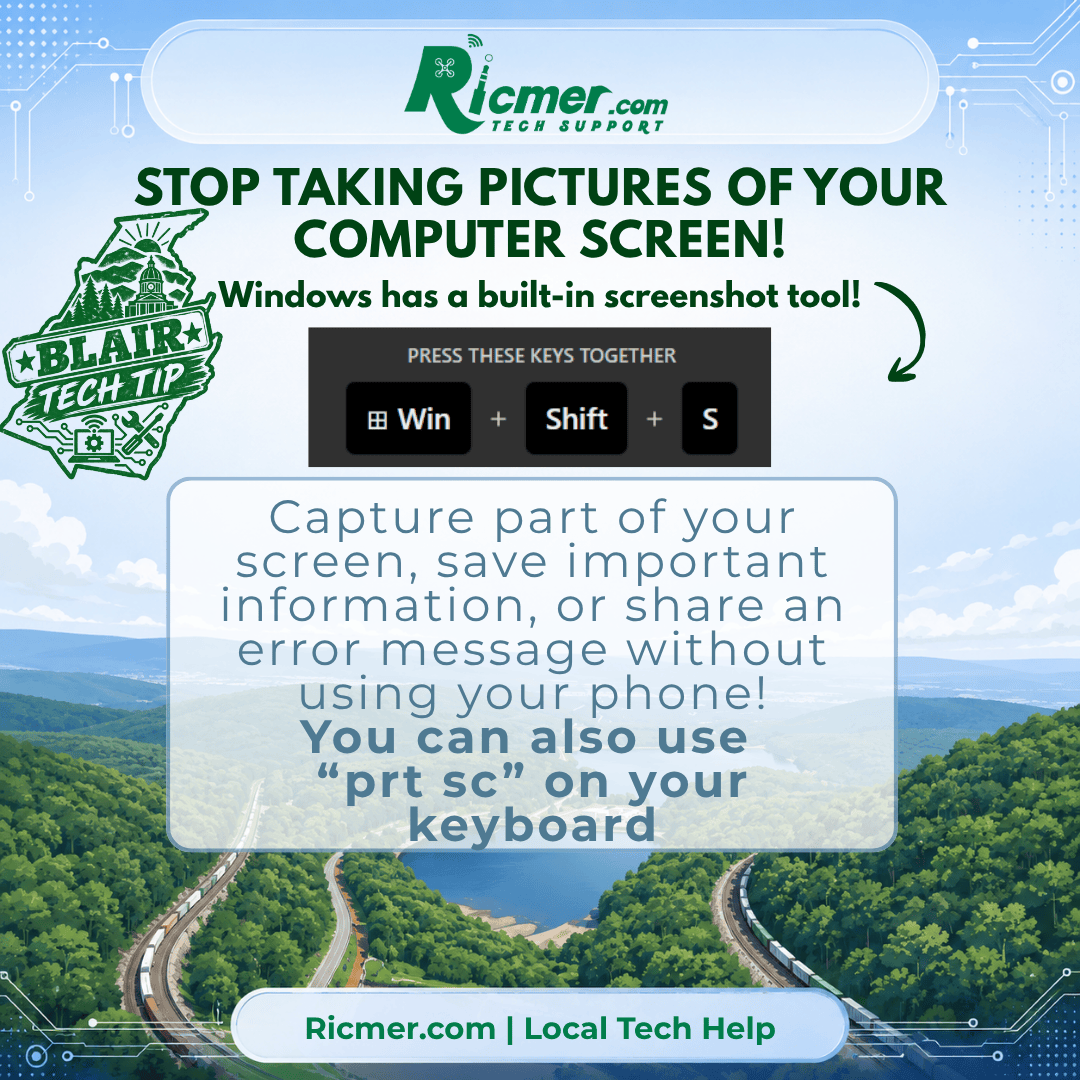
Have you ever had an error message pop up on your computer and grabbed your phone to take a picture of it? There’s an easier way! Windows 10 and Windows 11 include a built-in screenshot tool that lets you capture exactly what’s on your screen. And you don’t need to install anything! How to TakeContinue reading “Blair Tech Tip: Stop Taking Pictures of Your Computer Screen!”
Blair Tech Tip: Give Your Windows PC a Checkup with Microsoft PC Manager
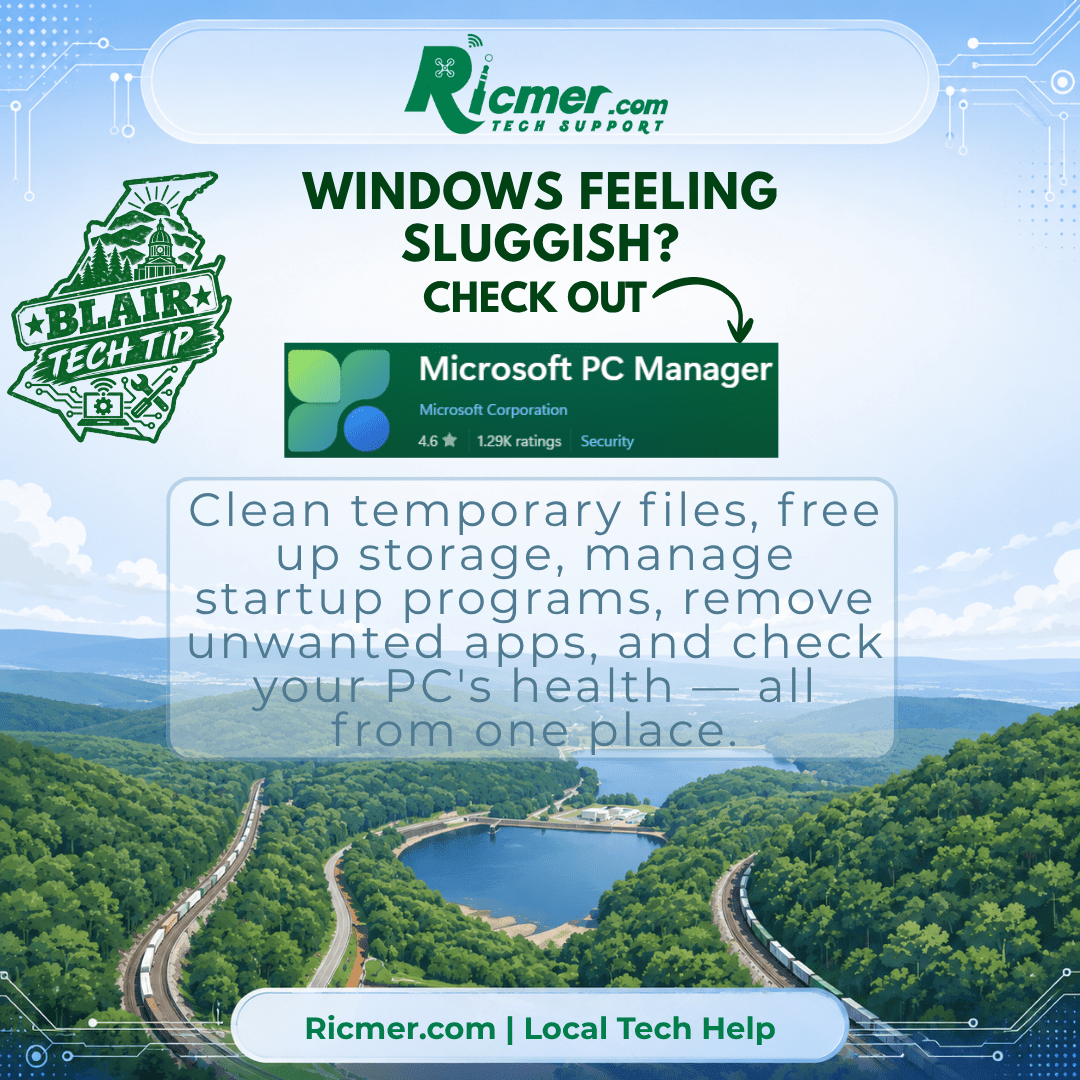
Windows has plenty of useful maintenance tools, but they’re scattered throughout Settings, Task Manager, Windows Security, and other parts of the operating system. Microsoft PC Manager puts many of those everyday tools into one easier-to-use place. If your computer has been feeling sluggish or you’re simply wondering what’s taking up all your storage space, PCContinue reading “Blair Tech Tip: Give Your Windows PC a Checkup with Microsoft PC Manager”
Quick Tech Tip: Restart your computer at least once a week

QUICK TECH TIP
Restart Your Computer Weekly
A simple restart helps clear small system errors, finish updates, and keep things running smoother.
Need help? Ricmer Tech Support can help.

