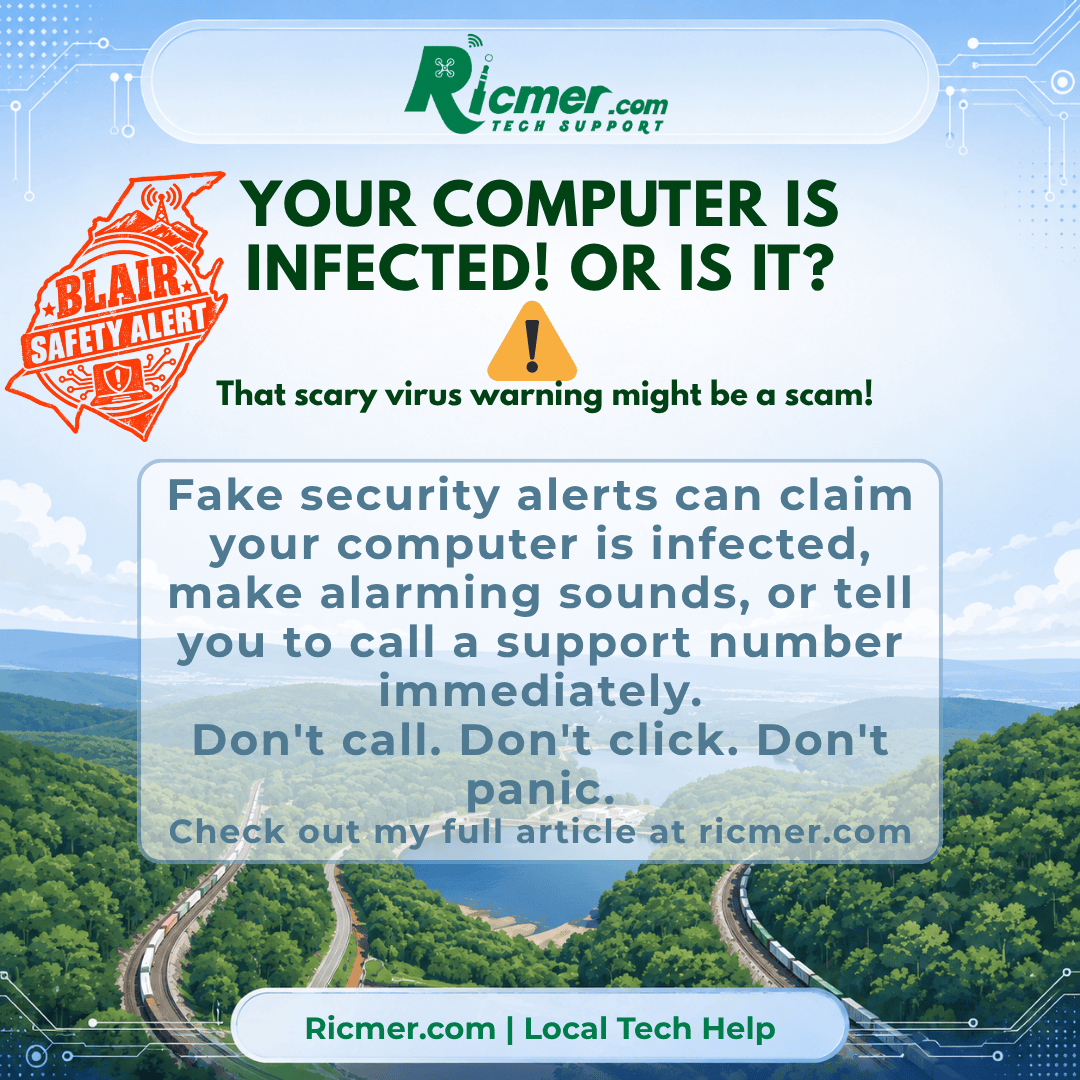
You’re browsing the internet when suddenly a warning appears on your screen.
“VIRUS DETECTED!”
“YOUR COMPUTER IS LOCKED!”
“CALL MICROSOFT SUPPORT IMMEDIATELY!”
The screen might flash, an alarm may sound, or a voice might start telling you that your personal information is in danger.
It can be frightening, especially when the warning looks like it came directly from Microsoft or your antivirus software.
But here’s something important to remember: That warning might be nothing more than a webpage trying to scare you.
How Fake Virus Warnings Work
Scammers create websites and advertisements designed to look like legitimate Windows security alerts.
Some even display fake virus scans, Microsoft logos, countdown timers, or messages claiming that your computer has been locked.
Their goal is usually to convince you to call a phone number, pay for unnecessary services, download software, or give someone remote access to your computer.
And just because a webpage says your computer is infected doesn’t mean it actually is.
Warning Signs of a Scam
Be suspicious if a warning:
- Tells you to call a phone number for Microsoft or antivirus support.
- Claims your computer will be permanently damaged unless you act immediately.
- Makes loud alarms or repeatedly plays warning messages.
- Prevents you from easily closing the browser window.
- Asks you to download a program to fix the problem.
- Wants payment or remote access to your computer.
What Should You Do?
1. Don’t call the number. Legitimate Microsoft security warnings don’t include a phone number asking you to call for support.
2. Don’t click buttons inside the suspicious warning. Even buttons labeled “Cancel” or “Close” could be part of the webpage.
3. Try closing the browser. If the browser is stuck, press Ctrl + Shift + Esc to open Task Manager, select your browser, and choose End Task.
4. Be careful when reopening your browser. If it offers to restore your previous session, don’t restore the suspicious page.
5. Check your computer’s security. Open Windows Security from the Start menu and run a scan using Microsoft Defender Antivirus, if it’s your active antivirus.
If you already called the number, downloaded software, provided a password, or allowed remote access, stop interacting with the scammer and get help securing your computer and accounts.
Ricmer Quick Take
A scary message on a webpage is not proof that your computer has a virus.
Scammers rely on fear and urgency to get people to make quick decisions.
If a warning tells you to call a support number immediately, that’s a major red flag.
And remember, closing a suspicious webpage is much safer than trusting instructions from an unknown caller or popup.
Need Local Help?
If you’ve encountered a suspicious warning, aren’t sure whether your computer is infected, or accidentally allowed someone access, Ricmer Tech Support can help evaluate the situation and determine what needs to be done.
Friendly local tech help for home users and small businesses throughout Blair County.

