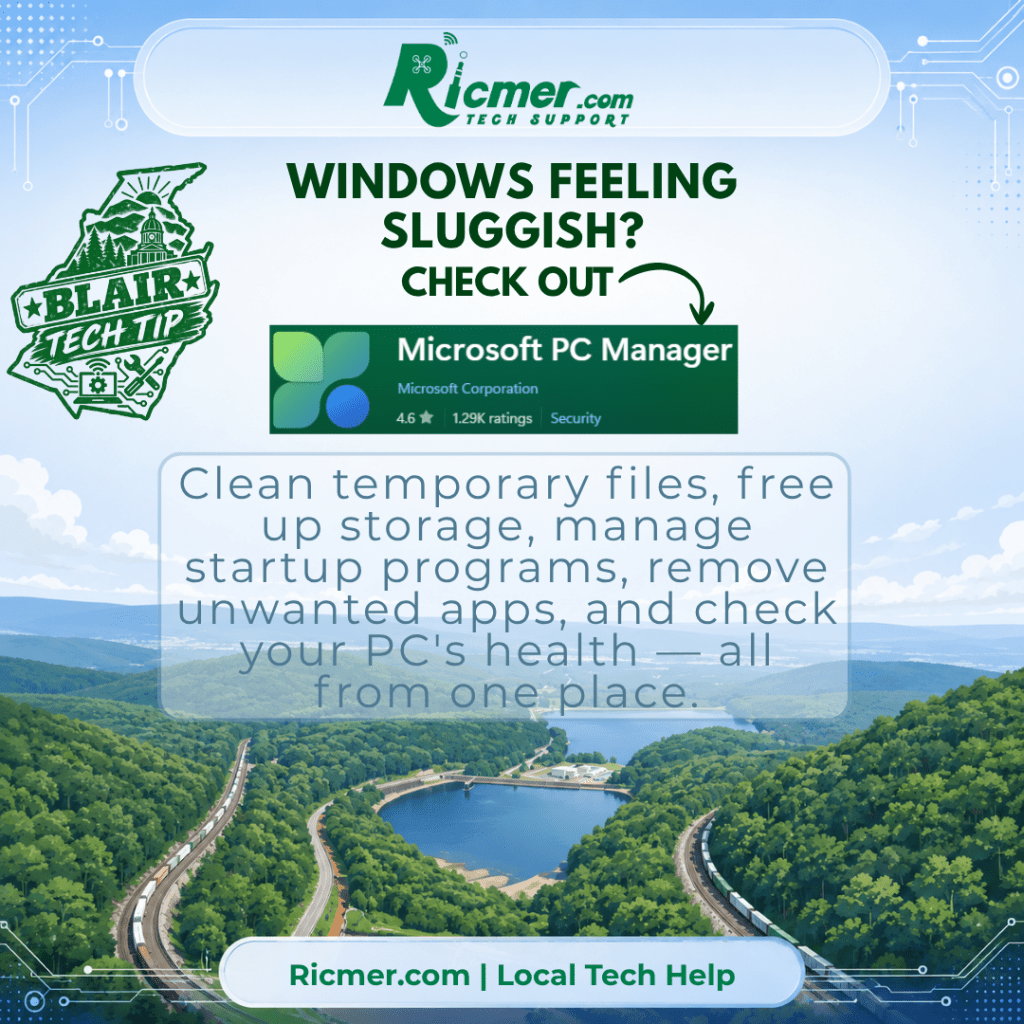
Windows has plenty of useful maintenance tools, but they’re scattered throughout Settings, Task Manager, Windows Security, and other parts of the operating system. Microsoft PC Manager puts many of those everyday tools into one easier-to-use place.
If your computer has been feeling sluggish or you’re simply wondering what’s taking up all your storage space, PC Manager is worth checking out.
One of its most useful features is cleanup. PC Manager can scan for temporary files, browser and application caches, and other unnecessary files that may be taking up space. It can also help identify large files and show you where your storage is going.
Some of the things PC Manager can help you with include:
- Clean up temporary and unnecessary files to recover storage space.
- Manage startup programs so unnecessary programs aren’t automatically loading every time you turn on the computer.
- Find large files that may be filling your drive.
- Uninstall programs you no longer want.
- Manage running processes that are consuming resources.
- Run a health check and get recommendations for potential problems.
- Access Windows Security for virus and threat protection.
- Manage unwanted app pop-ups.
- Quickly access several other useful Windows tools from one location.
Startup programs are particularly worth checking. Programs that automatically launch when you sign into Windows can affect startup speed and continue consuming resources in the background.
Ricmer Quick Take:
Microsoft PC Manager doesn’t magically make an old computer new again, but it gives everyday Windows users a much easier way to see what’s happening with their computer and perform some useful basic maintenance. Microsoft itself notes that older hardware may not see significant improvement from software optimization alone.
PC Manager is free from Microsoft and currently supports Windows 11 as well as Windows 10 version 19042.0 and later. Keep in mind that regular free support for Windows 10 ended October 14, 2025, so Windows 10 users should also be considering their upgrade options.
Microsoft PC Manager official website