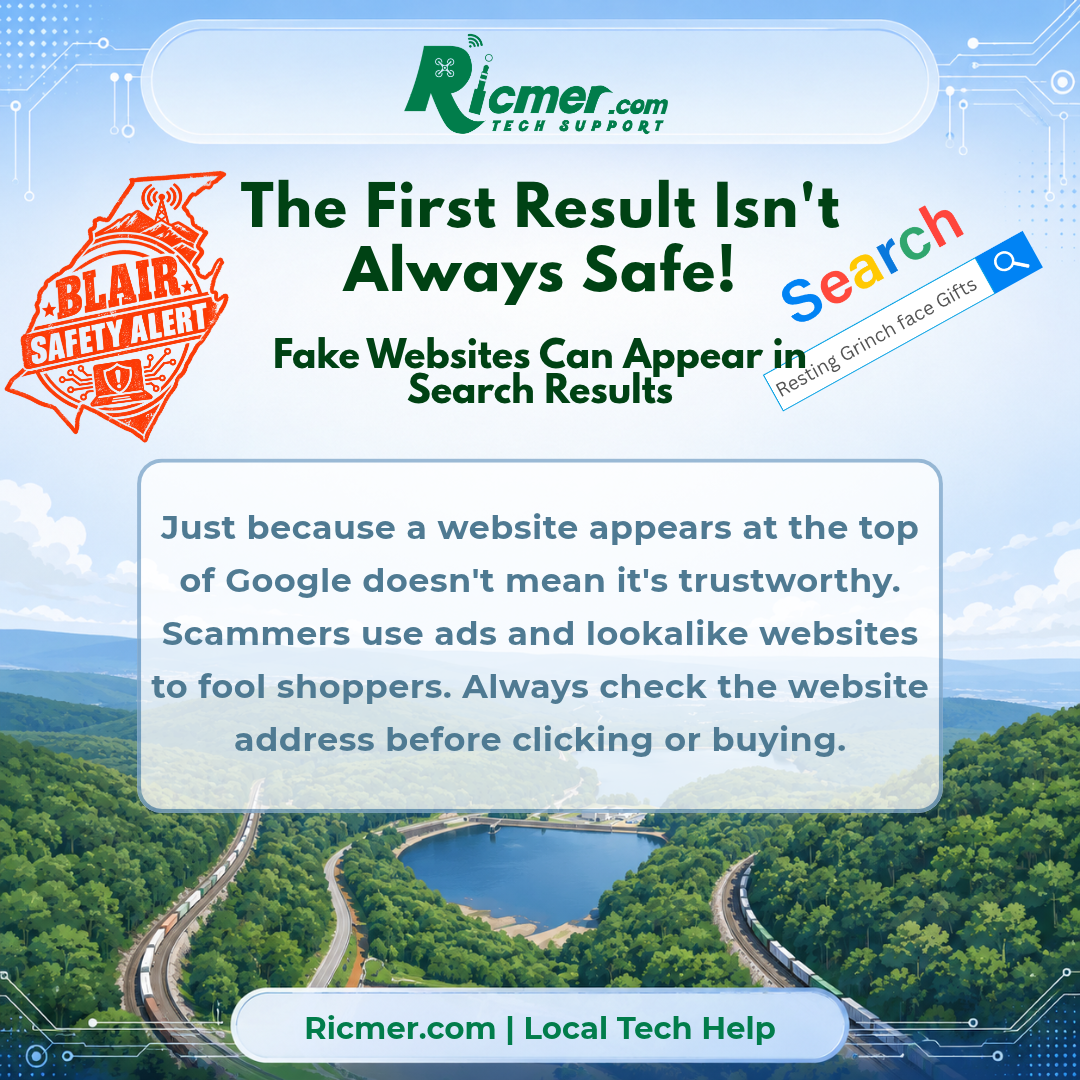
When you search Google for a store, product, company, or service, it’s easy to assume the first result is the best place to click.
But the first result isn’t always the safest one.
Some of the links at the top of Google search results are paid advertisements. Most are legitimate businesses, but scammers can also use advertisements and misleading websites to trick people into visiting fake stores or entering personal information.
With holiday shopping picking up, it’s a good time to know what to watch for.
How Does This Happen?
Imagine searching for a popular store because you want to check an order or buy a Christmas gift.
You click a result near the top of the page. The website looks familiar, has a recognizable logo, and offers what you’re looking for.
But the website address is slightly different from the real company’s address.
Scammers create convincing copies of websites to collect payment information, passwords, or other personal details. Some advertise products at unusually low prices to encourage people to buy without checking carefully.
What Should You Watch For?
- Sponsored results: An advertisement isn’t automatically unsafe, but being at the top doesn’t guarantee a website is trustworthy.
- Unusual website addresses: Look for misspellings, extra words, or unfamiliar endings in the website address.
- Prices that seem too good to be true: Huge discounts on popular products can be a warning sign.
- Pressure to act immediately: Countdown timers and urgent messages can encourage rushed decisions.
- Unexpected payment methods: Be cautious if a store insists on gift cards, cryptocurrency, or other difficult-to-reverse payments.
A Few Simple Ways to Stay Safer
- Check the website address before entering information. Make sure you’re on the company’s actual website.
- Use saved bookmarks or official apps. They’re often safer than searching for the same website every time.
- Research unfamiliar stores. Look for independent reviews and complaints before buying.
- Use a credit card when possible. Credit cards generally offer stronger protections for disputing fraudulent purchases than many other payment methods.
- Don’t assume the padlock means a website is legitimate. HTTPS helps protect the connection, but scam websites can use it too.
Ricmer Quick Take
Google is a useful tool, but search placement isn’t a guarantee of trust.
Take a few extra seconds to check where a link is taking you, especially before entering a password or payment information.
That small habit can help you avoid a much bigger headache.
Need Local Help?
Not sure whether a website is legitimate? Concerned that you’ve clicked a suspicious link or entered information on a fake website?
Ricmer Tech Support provides friendly, local computer and online security assistance for homes and small businesses throughout Altoona and Blair County, Pennsylvania.
Contact me at rick@ricmer.com for help with your technology and security questions.